Turn Your Community Into an App (No Developer Needed)
Short answer: if your community runs on FluentCommunity, version 2.8.0 added a built-in Progressive Web App (PWA) module — a Pro feature — that lets members install your community as an app, with no developer, no separate app-builder subscription, and no App Store approval process. Everything below explains what that means and how to turn it on.
If you’ve ever searched "how to turn my community into an app," you already know what happens next. You land on a pricing page. MobiLoud, AppPresser, GoNative, Twinr, Mighty Pro — pick one, and you’re looking at another monthly bill, another tool to manage, and sometimes a developer to hire on top of it.
Here’s the thing nobody selling those tools wants you to notice: if your community runs on FluentCommunity, you may already own this. As of version 2.8.0, it’s built in.
The App-Builder Trap Most Community Owners Fall Into
The pattern is almost always the same. You’ve got a community running, people are showing up less than you’d like, and someone tells you "you need an app — that’s how you keep people coming back." So you go looking. Every result is a company that wants to build you one. That means a real, ongoing bill on top of what you already pay for your community platform. It usually means setup time too. And if you want it in the App Store or Google Play, add a submission process that can take weeks — and can get rejected for reasons that have nothing to do with your actual content.
Before you sign up for any of that, it’s worth checking what your existing platform can already do.
What Is a PWA?
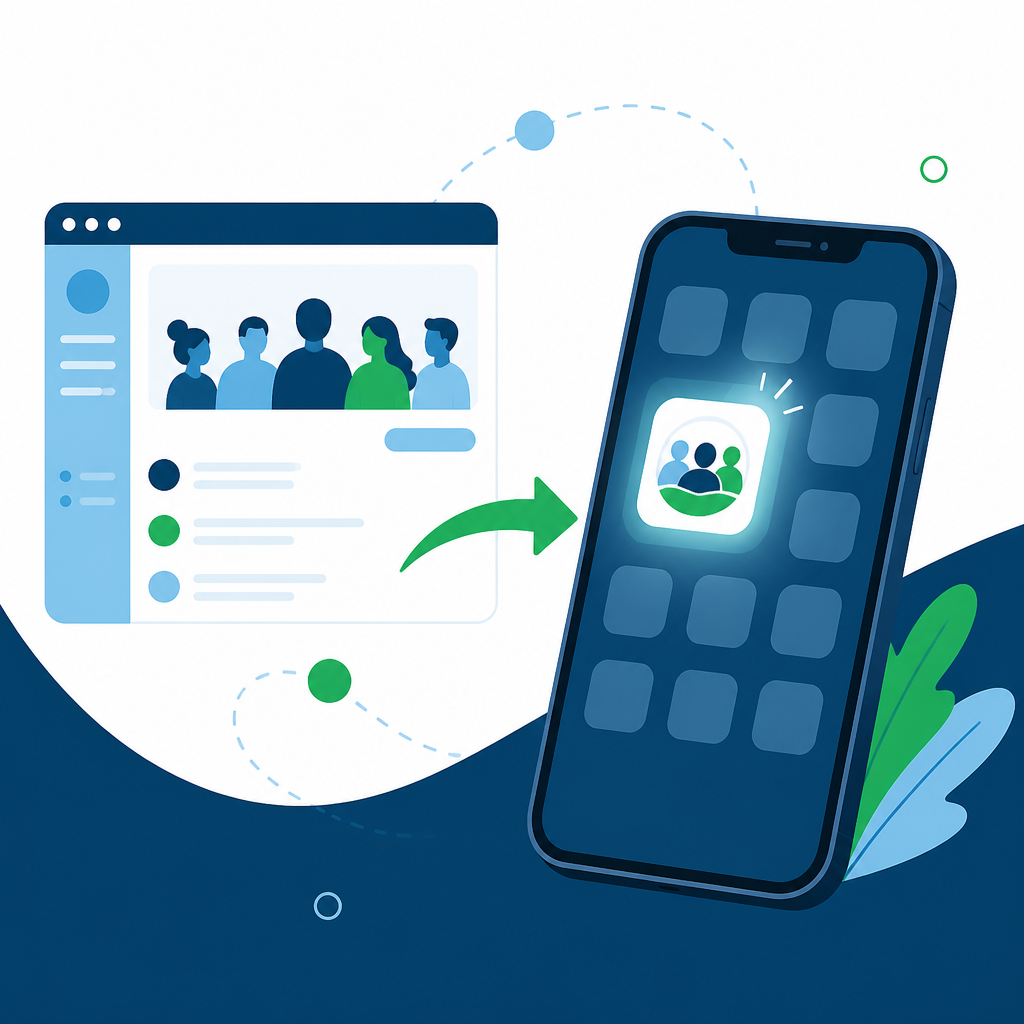
A Progressive Web App (PWA) is a website that can install itself onto a phone’s home screen — with its own icon and name — without going through an app store. No download page, no approval process, no separate codebase to maintain. It’s still your website under the hood. It just stops looking and feeling like one once it’s installed.
Turn Your Campus Into an App in Under 5 Minutes
FluentCommunity 2.8.0 added a Progressive Web App module — a Pro-tier feature — that puts an Install App button right in your portal sidebar. Here’s what you set up.
Set your App Name and Short Name
The App Name is what shows when someone installs your community — think of it as your app’s real name. The Short Name is the shorter label that sits underneath your icon, for when there isn’t room to show the whole thing.
Upload your App Icon
This is the image members see on their home screen. The system checks the dimensions for you as you upload, so what you put in is what installs — no guessing at pixel sizes.
Pick a Splash Screen Color
This is the color members see for the split second while your community loads after they tap the icon. Small detail, but it’s part of what makes the whole thing feel like a real app instead of a bookmark.
What your members see when they tap Install
Once it’s set up, members get an Install App option in the sidebar. One tap, and your community sits on their home screen — no browser bar, no address bar around it. It also follows whatever light or dark mode their phone is already set to, so it looks native even though it isn’t.
Do You Ever Need a Native App Instead of a PWA?
Yes, in two specific cases: if App Store or Google Play discovery is a real part of your growth strategy, or if you need deep phone-hardware features a PWA can’t reach. Outside of those, a PWA covers what most community owners actually need.
To be fair to the app-builder companies: there are real reasons to want a true native app instead of a PWA. If getting discovered inside the App Store or Google Play is actually part of your growth strategy — people browsing app store categories and finding you that way — a PWA can’t do that; it only appears once someone already knows to look for it. And some phone-level features (certain deep hardware integrations, for example) are still native-app-only.
For the vast majority of community owners, though, the goal isn’t app store discovery. It’s getting the people who already joined to open your community more often. That’s exactly what a PWA is built for.
Why This Matters More If You’re Running an AI-Native Business
If you’re building a one-person, AI-native business, every extra tool you add is something you now have to manage, pay for, and keep working alongside everything else. A membership platform that already includes the app your members open every day — with no extra subscription bolted on — is one less moving part in a business you’re trying to run mostly through your AI team, not through a stack of disconnected SaaS tools.
That’s part of what’s included in Campus Membership. As an active paid member — $497 a quarter or $1,497 a year — you get access and support for FluentCommunity and the rest of the WPManageNinja plugin suite (FluentCRM, FluentCart, Fluent Forms, FluentBoards, and more) for as long as you’re a member, plus eligibility for the live Campus AI OS Sprint. The plugin that ships this exact feature is one of the tools already covered.
What Else Shipped in FluentCommunity 2.8.0
The app install isn’t the only thing new. This release also added unlisted posts (share something by link only, without it cluttering every feed), a proper sort direction control on member and student lists, and FluentCRM bounce protection so community emails stop hitting dead inboxes. You can read the full FluentCommunity 2.8.0 release notes for the complete list.
A Quick Word on Push Notifications
If you’ve researched app builders before, push notifications were probably part of the pitch — the ability to ping someone’s phone directly when there’s a new post or reply. That’s not part of what FluentCommunity 2.8.0’s PWA install adds. What you get is the home-screen icon, the app-like feel, and no browser chrome around your content. If push notifications are the one thing you need most, weigh that honestly against everything else a paid app builder would cost you — for most communities, the install-and-open behavior alone moves the needle more than people expect.
Frequently Asked Questions
Can I turn my FluentCommunity site into an app?
Yes. FluentCommunity 2.8.0 added a built-in Progressive Web App module that lets members install your community to their phone’s home screen.
Does it cost extra?
The PWA module is a FluentCommunity Pro feature, so it requires a Pro license. Campus Members get access to FluentCommunity Pro and the rest of the WPManageNinja suite as part of an active paid membership, so there’s no separate purchase to make on top of that.
Do I need a developer to set it up?
No. Setup is four fields in a settings drawer — App Name, Short Name, App Icon, and Splash Screen Color — no code.
Will it work on both iPhone and Android?
Yes, PWAs install on both iOS and Android home screens through the browser, not through the App Store or Google Play.
Does it require App Store or Google Play approval?
No. Because it installs directly from the browser, there’s no submission or review process to go through.
The Bottom Line
You don’t have to choose between "no app" and paying a third party a recurring fee to build one for you. If your community already runs on FluentCommunity, check the PWA settings before you check anyone else’s pricing page.
Ready to see what else is included? Become a Campus Member and get access to the whole toolset your community already runs on — for as long as you’re a paid member.